01
Input
Enter data manually, upload structured CSV files or use API intake from your own systems.
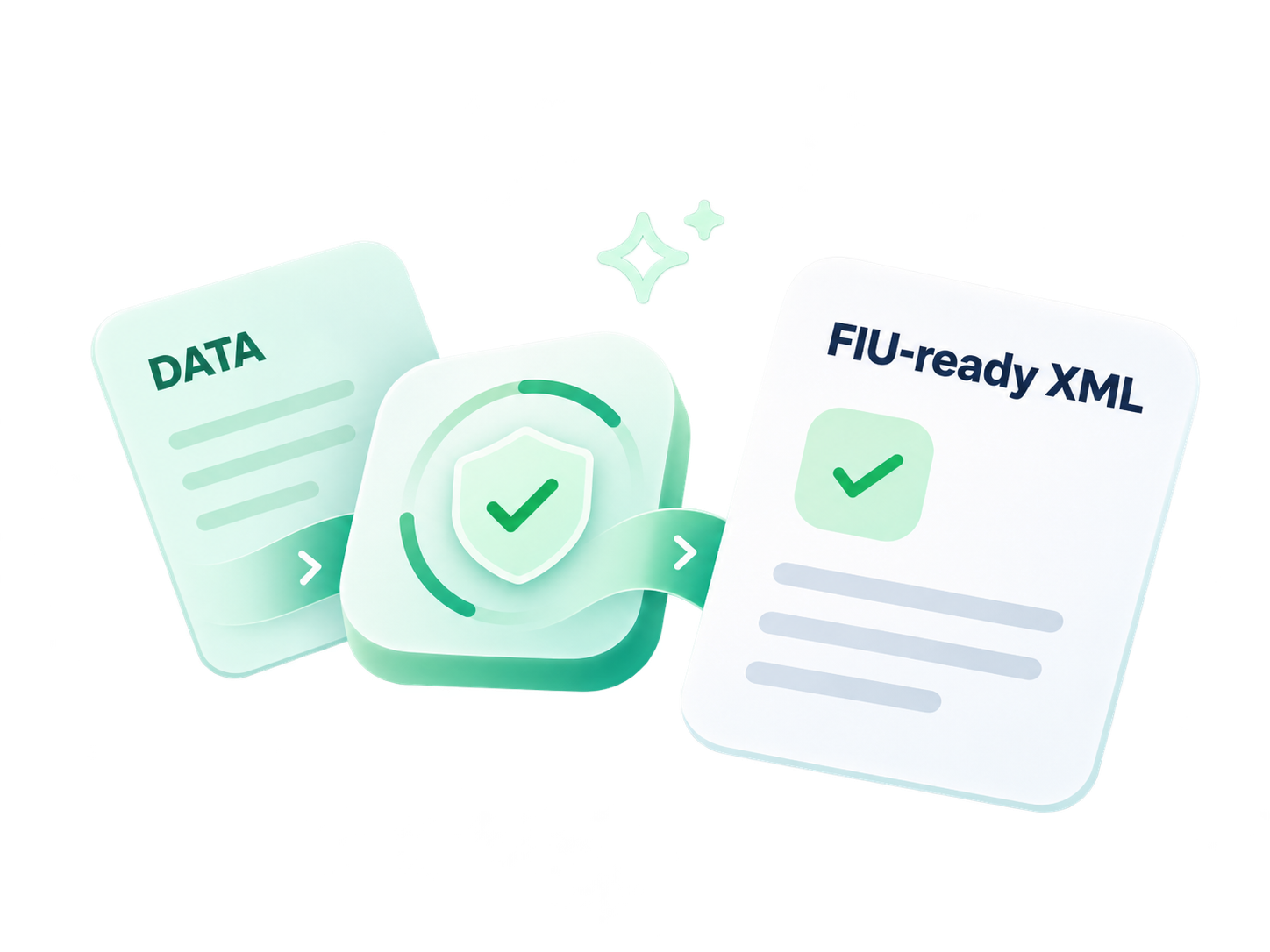
Bring reporting data together, catch issues earlier and stay in control from CSV intake to human review and FIU-ready XML export.

FIU reporting gets difficult when the preparation work is scattered across spreadsheets, emails and individual routines. FCAP brings that work into a clearer, repeatable process.
Files pass between people, details are entered more than once and report status is harder to follow.
Import reporting data, check issues, review report details and track what is ready for XML export.
Explore the real reporting workflows in our FCAP demonstration environment. The product visuals use synthetic data and have been presented in marketing-style device frames.
Select any feature below to explore its FCAP screen, or use Next feature to follow the tour.
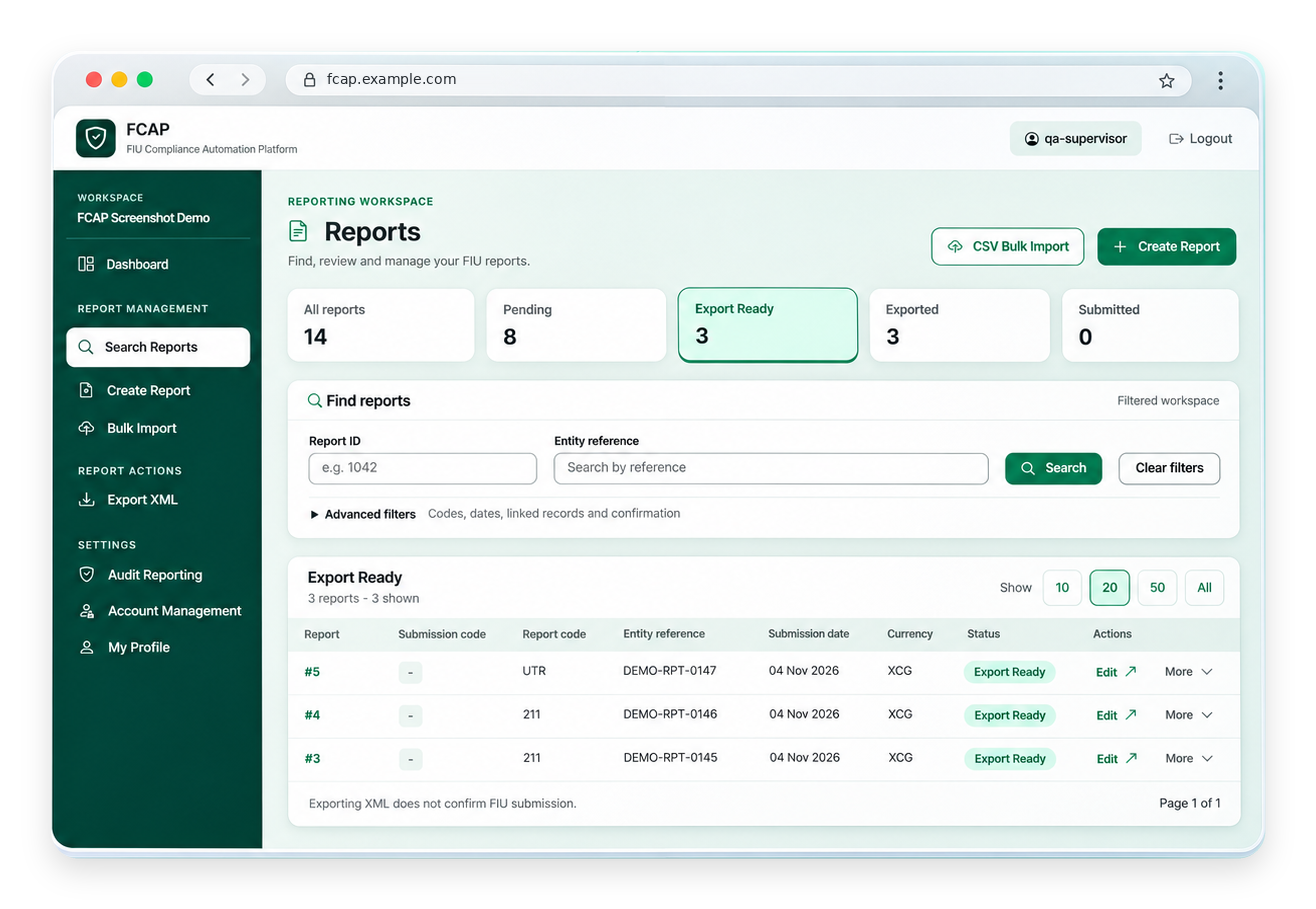
Filter reports by their current state, find the work that needs attention and see which reports are ready for export.
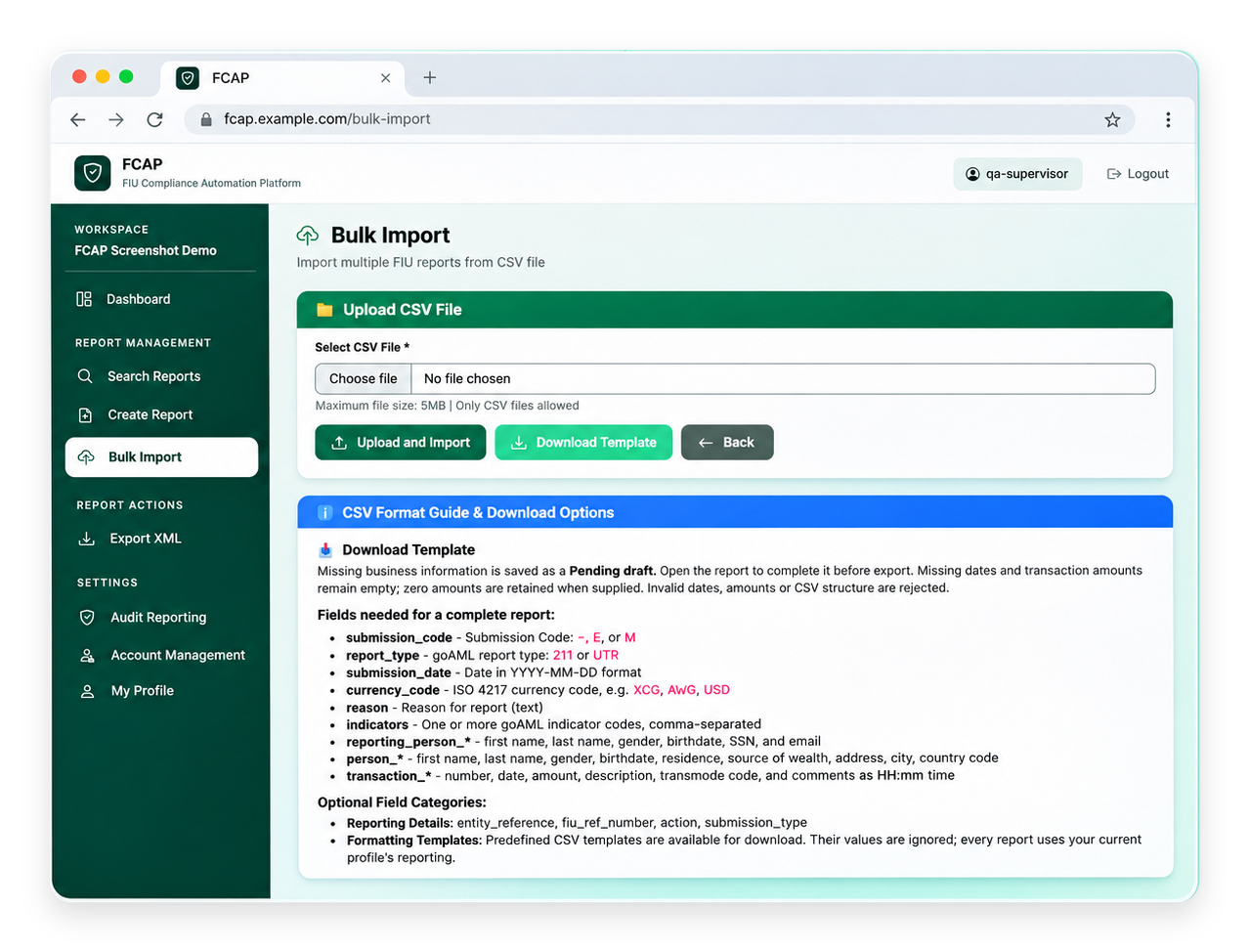
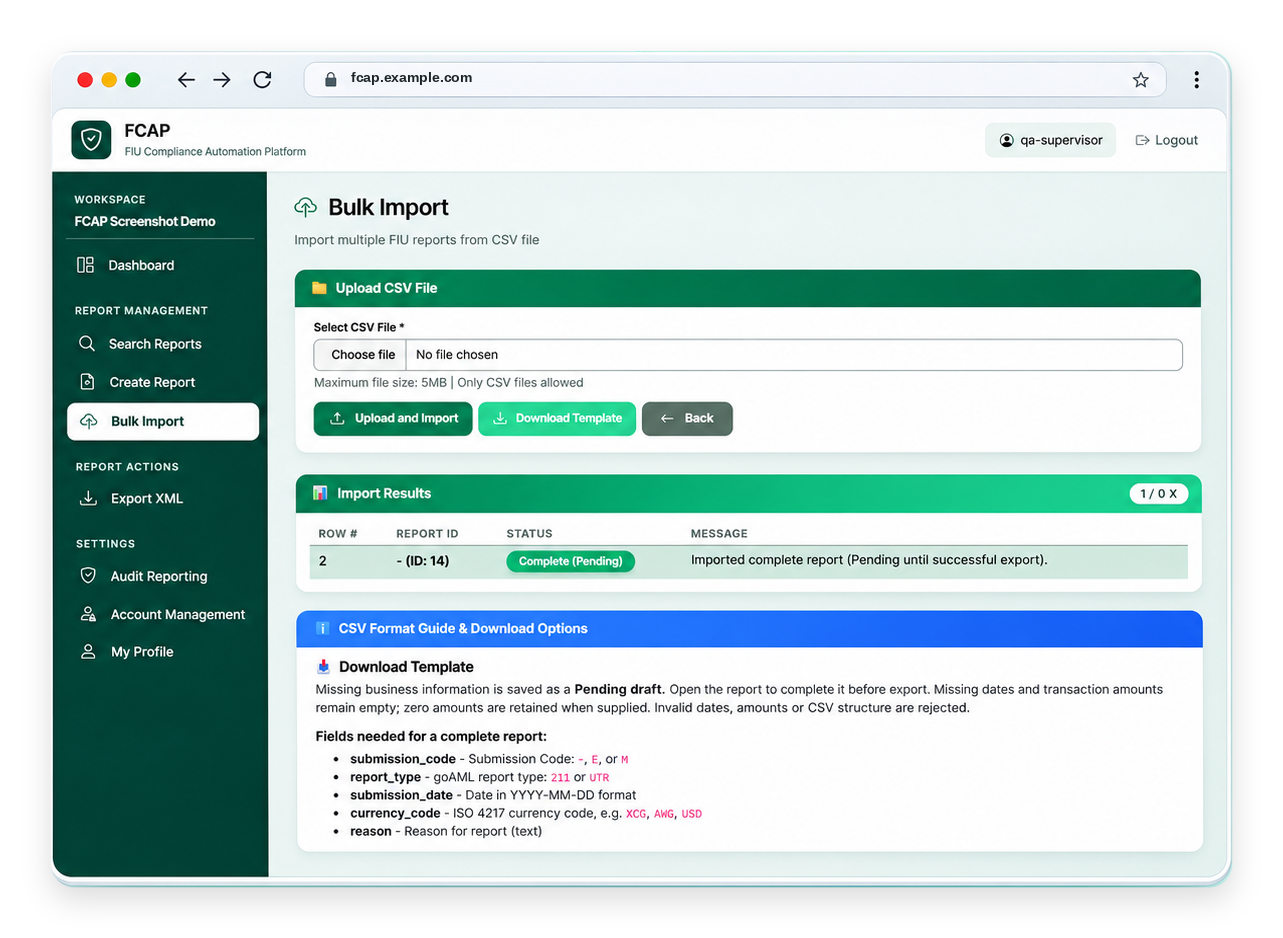
Use a structured CSV template to bring reporting data into FCAP. The import result makes it clear which record was created.
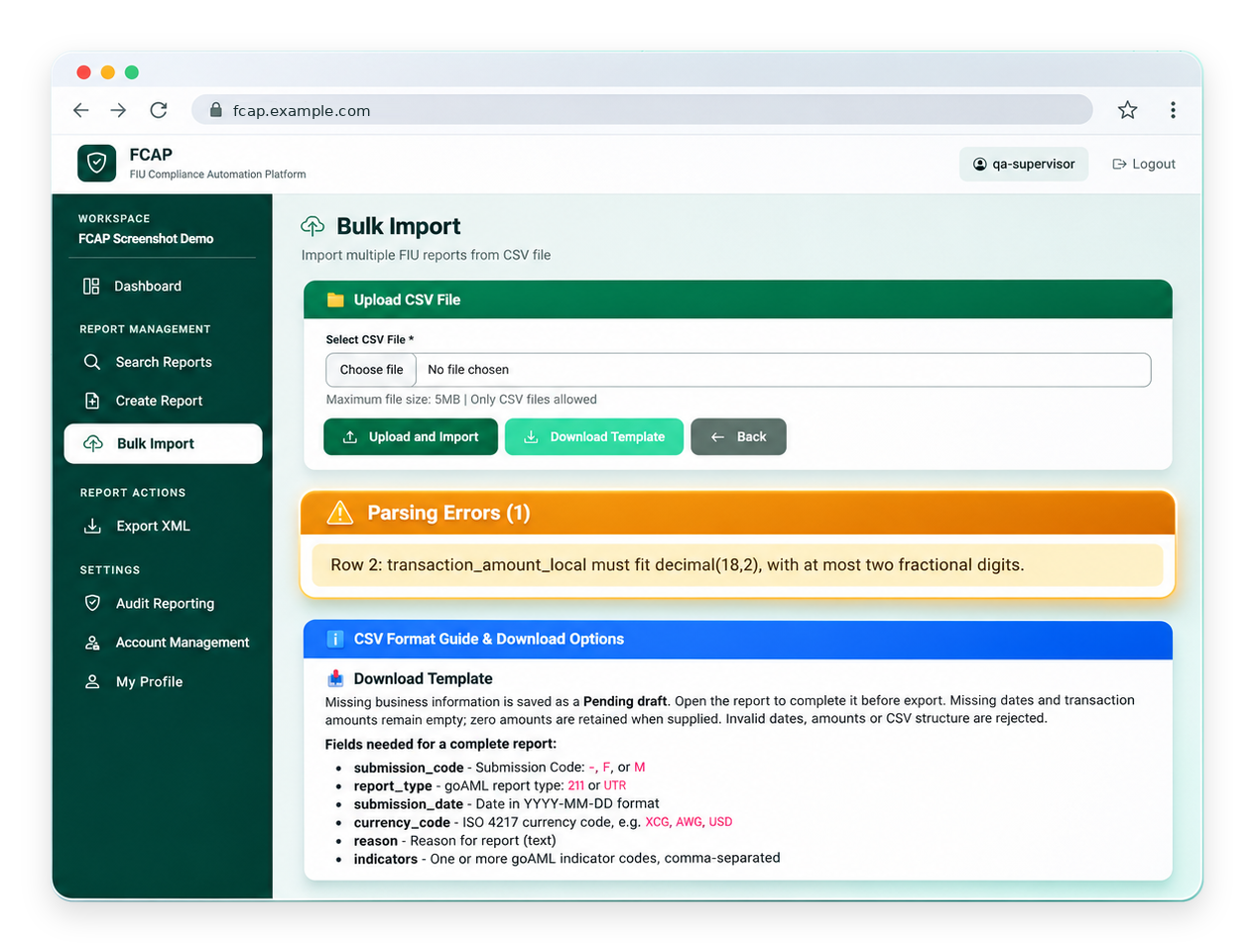
Malformed values are rejected during CSV import with specific feedback, making corrections easier before data enters the report workflow.
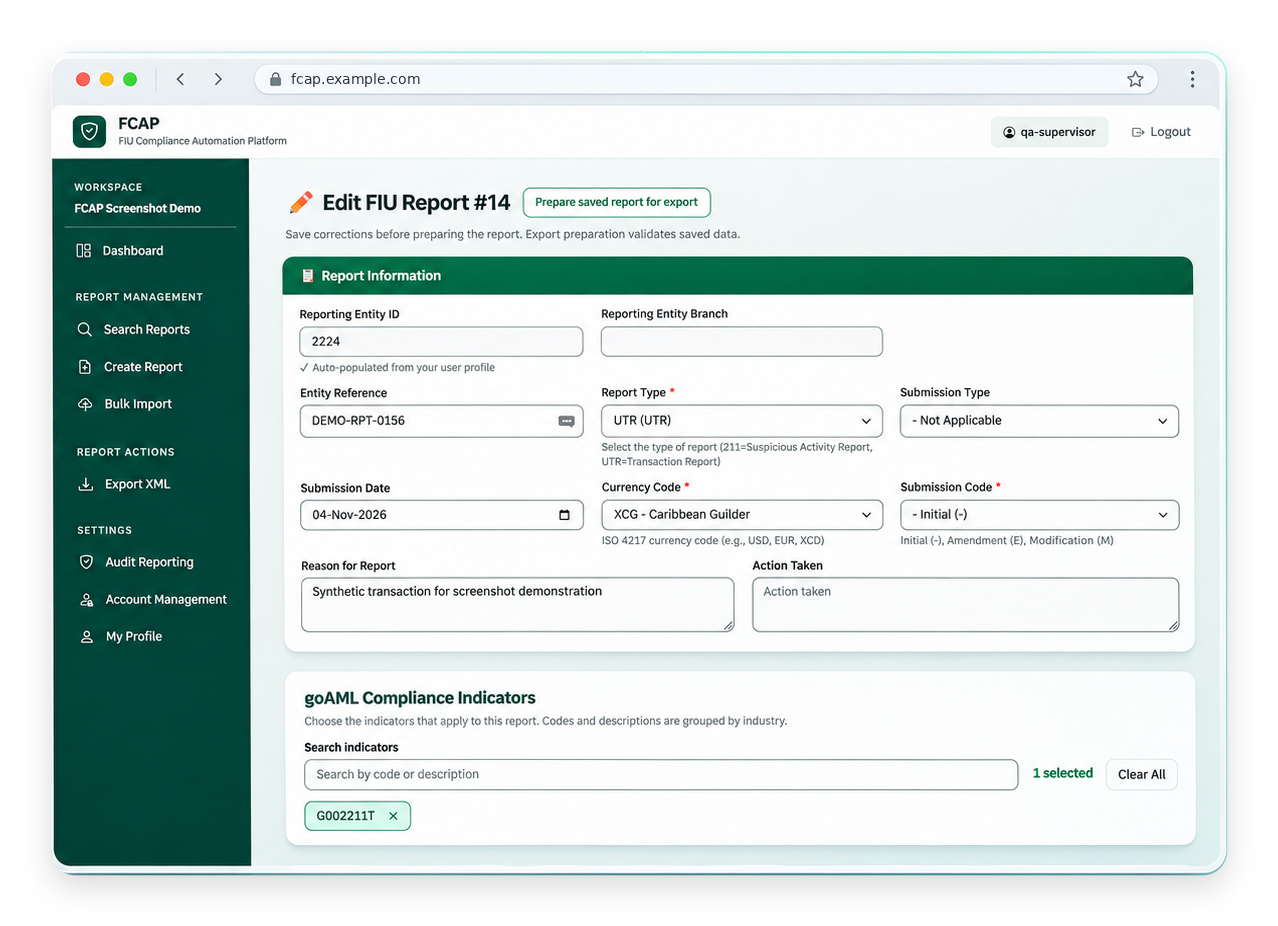
Review report data, reporting codes and the selected indicators before preparing an export. Compliance decisions stay with your team.
Generate reporting XML and track the exported file. XML export is the core reporting output. Configured FCAP deployments can also include evidence packages and supervised goAML upload after human approval. FIU acceptance remains separate.
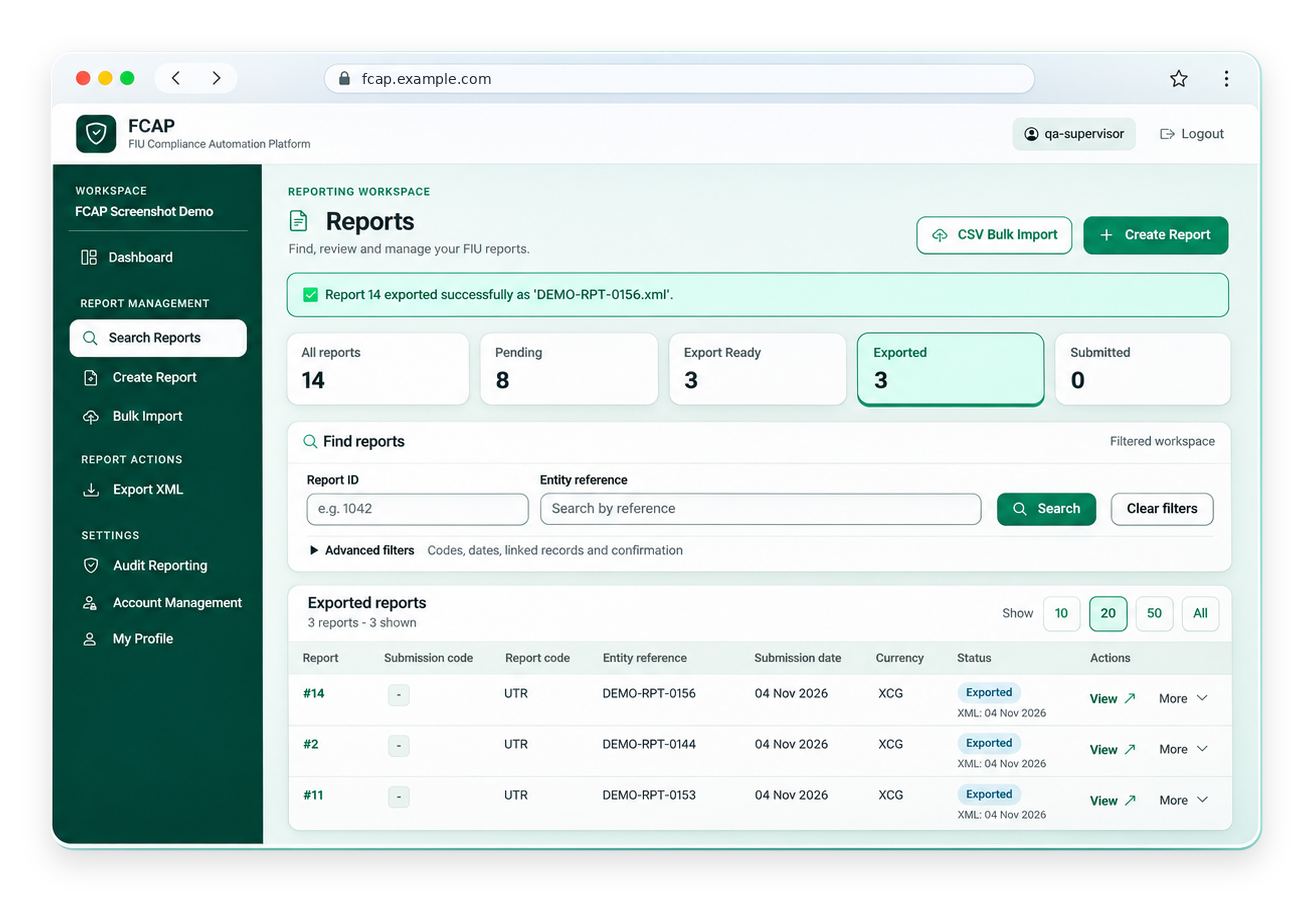
Viewing 1 of 5: Report queues
Designed around the work compliance teams already do, with less friction between each step.
Enter data manually, upload structured CSV files or use API intake from your own systems.
Check required fields and configured reporting rules before preparing XML output.
Review and confirm report details, and attach supporting documents to individual reports.
Generate FIU-ready XML and support automated submission of approved reports to goAML through supervised upload, as configured.
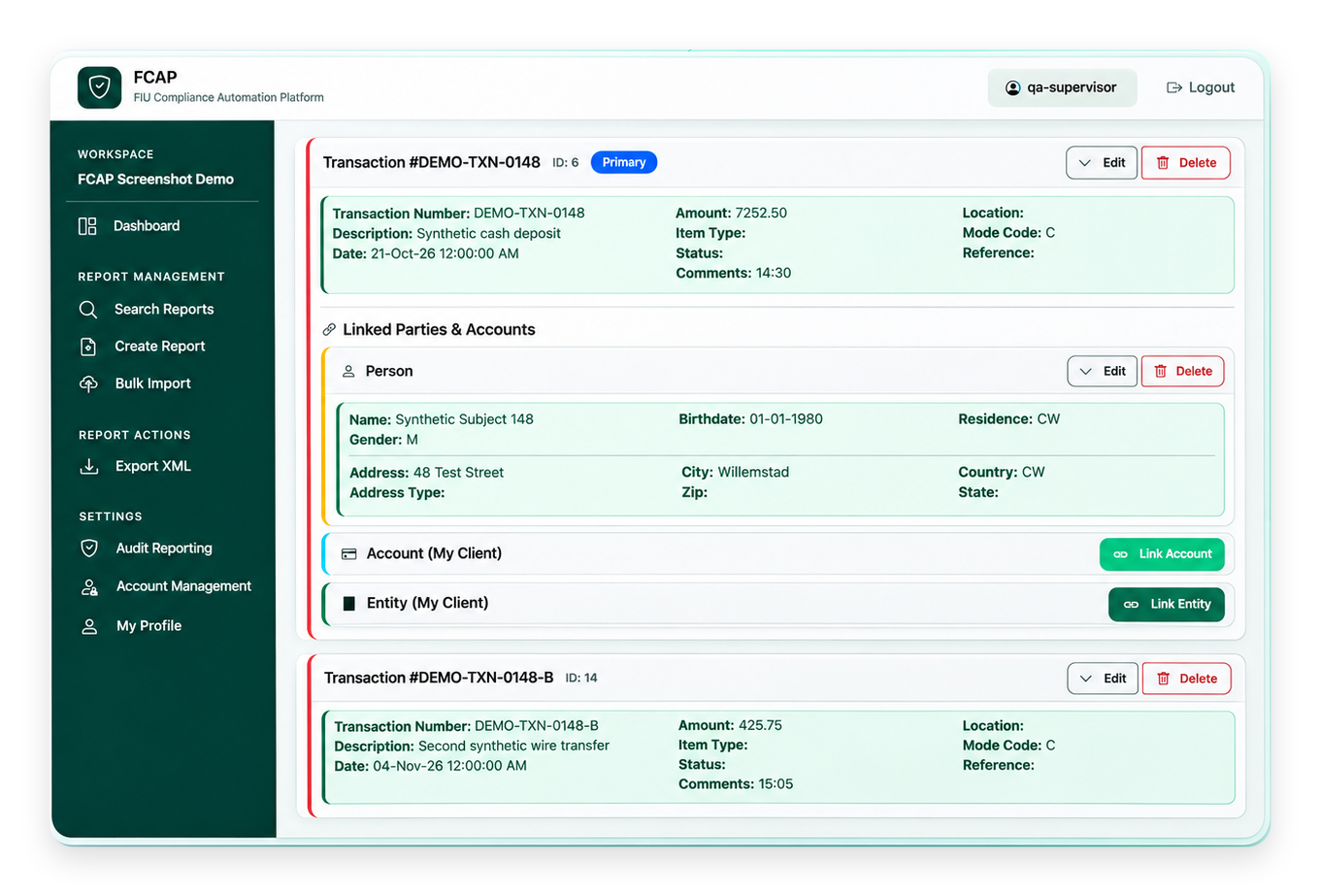
Go from input to clear records without losing sight of the transactions behind a report.
Upload a CSV file using a defined format or download the available template to prepare your reporting data.
Where supported by the reporting rules, a report can hold multiple transactions without merging them into a single transaction.
FCAP helps prepare and organize FIU reporting. Your organization still decides which activity must be reported and remains responsible for final review and official submission.
Talk through your reporting setupOur FCAP offering includes evidence-inclusive report packages and supervised goAML uploads for configured deployments. Bring supporting files and approved reports together for a more complete reporting workflow.
Structured intake, validation, human review and XML export form the foundation for evidence packaging and supervised upload.
Attach supporting documents to individual FCAP reports, then package the evidence with FIU-ready XML in a report-specific ZIP for review and delivery.
XML output + supporting evidenceSupport authorized, human-approved uploads through the official goAML portal using a reporting entity account. The upload process depends on portal access and compatibility.
Human approval remains essentialEvidence packaging and supervised upload are included where agreed in the deployment scope, with activation confirmed before go-live. The reporting entity remains responsible for accuracy, authorization and confirmation of FIU acceptance. Upload depends on the external goAML portal and may be affected by portal changes.
FCAP is designed for regulated organizations with FIU reporting obligations, from individual entities to service providers coordinating multiple clients.
Keep reporting manageable as transaction volumes and reporting requirements grow.
Connect existing systems to a structured report-preparation workflow.
Support consistent preparation and review across reporting teams.
Work across reporting entities while keeping data and records separated.
Compliance software should make responsibilities and reporting status easier to understand, not harder. FCAP focuses on a controlled process around each report.
Discuss your requirementsDistinct entity workspaces and reporting records.
Access to reporting workflows controlled through authorized accounts.
Find pending, export-ready and exported reports in one workspace.
Your compliance team retains responsibility for final report review and official submission.
Direct answers to the questions compliance teams usually ask before exploring a new reporting workflow.
No. FCAP helps teams prepare, validate and review reports, generate FIU-ready XML and manage evidence and supervised uploads where included in the deployment. The official goAML portal remains the authority for submission and acceptance.
FCAP supports manual entry, structured CSV uploads and API data intake from client systems. The appropriate approach depends on the reporting volume and integration needs.
No. The reporting entity remains responsible for identifying reportable transactions, choosing the applicable reporting indicator and confirming the report information.
FCAP supports separately configured reporting-entity workspaces. Each entity has its own users and reports according to the agreed setup. Multi-entity oversight and access depend on the deployed configuration and permissions.
FCAP prepares XML for the official FIU/goAML process. An agreed deployment can include supporting-document packages and supervised upload through an authorized goAML account after human approval. The reporting entity remains responsible for final review, submission obligations and confirming FIU acceptance.
Yes. These capabilities can be included in an agreed FCAP deployment. We confirm the delivery scope, activation and goAML portal compatibility during onboarding and before production go-live. The reporting entity continues to authorize uploads and confirm their acceptance by the FIU.
Bring a mock or anonymized sample file. We’ll show the FCAP workflow from data intake to review and XML output.